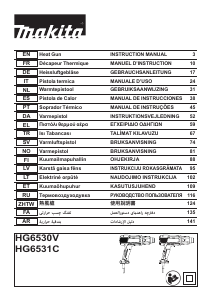
Руководство Makita HG6530V Промышленный фен

Вам нужно руководство для вашего Makita HG6530V Промышленный фен? Ниже вы можете бесплатно просмотреть и скачать PDF-инструкцию на русском языке. В настоящее время этот продукт имеет 3 часто задаваемых вопроса, 0 комментариев и имеет 0 голосов. Если это не то руководство, которое вам нужно, свяжитесь с нами.

Ваше устройство неисправно, и в руководстве отсутствует решение? Перейдите в Repair Café для получения бесплатных ремонтных услуг.

Руководство

Loading…
7
English
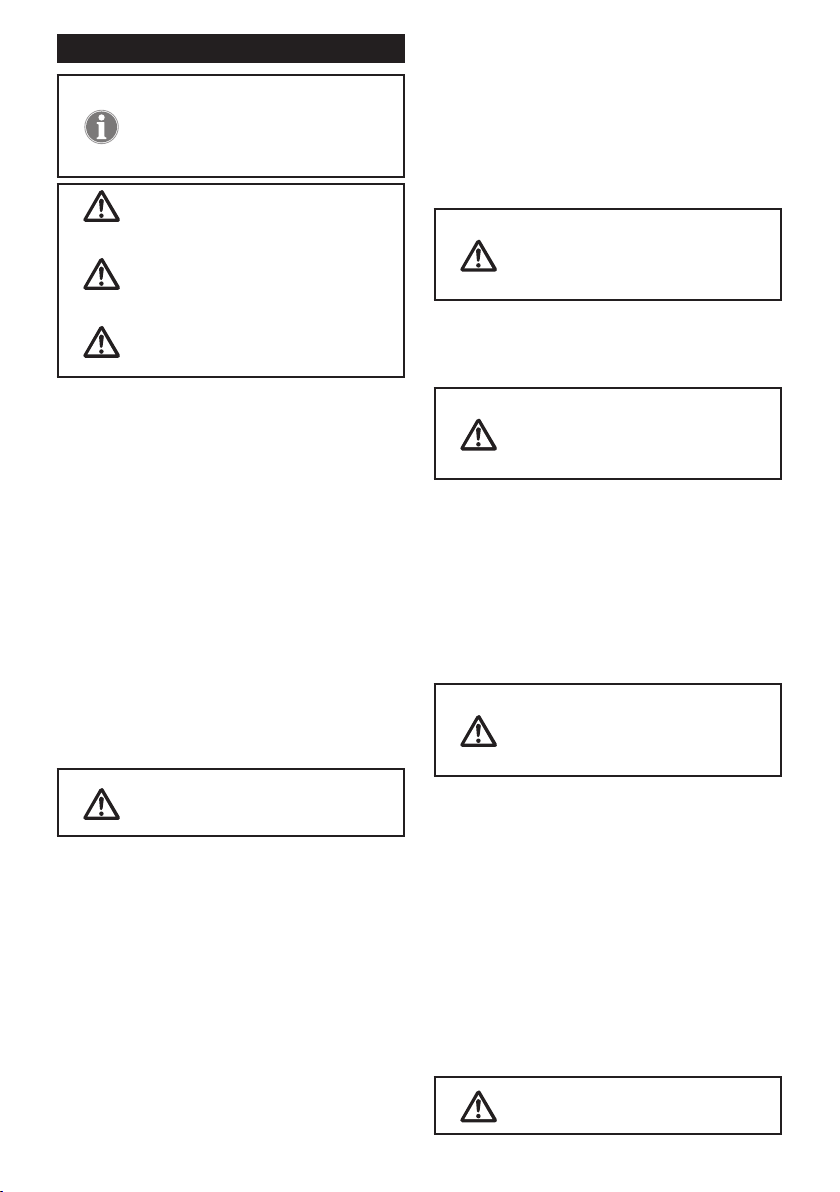
INSTRUCTIONS FOR USE
If you are not sure about the correct
setting, start with a low temperature
setting and gradually increase the
temperature until you achieve opti-
mum results.
Always observe the safety instruc-
tions and applicable regulations.
Use only one hand to hold the tool,
do not place your other hand over the
air vents.(Fig. 1)
Do not use the holes on the tool
housing for the fall prevention pur-
pose at high location.
Prior to operation
Q Mount the correct accessory for the application.
Switching on and off
Q Number of the slide switch means as follows.
HG6530V:
0: OFF position
1: For cooling down with approx. 50°C
airow
2: For heating with low air volume
3: For heating with high air volume
HG6531C:
0: OFF position
1: For cooling down with approx. 50°C
airow
2: For heating
Q To switch the heat gun on, slide the slide switch
(1) from 0 to one of the ON positions 1, 2 or 3.
Q To switch off the heat gun, set the slide switch to
position 1 to cool off for a while, and then set the
slide switch to position 0 (OFF).
The heat gun may give off some
smoke shortly after switching on.
This does not indicate a problem with
the device.
Setting the temperature (HG6530V)
The temperature can be set with the slide switch (1) at
position 2 or 3.
Q Press the temperature setting button + (2b) to
increase the temperature, and - (2a) to decrease
the temperature. The LCD (5) displays the present
temperature of the airow few seconds after the
target temperature was set.
Q To switch the unit of the temperature between °C
or °F, press + and - together.
Selecting the preset mode (HG6531C)
14 preset modes are available to quickly set the tem-
perature and air volume suitable for major applications.
Select the desired preset application as follows.
1. Set the slide switch (1) at position 2. The LCD (5)
displays the application name that was used at
the last time, and corresponding temperature and
air volume settings. Few seconds later, the LCD
displays the present temperature of the airow.
2. Press the preset button (6). The application name
starts to scroll.
3. Press the temperature setting buttons (2a/b) or
air volume setting buttons (3a/b) to select the
application. When the desired application name
is displayed on the LCD, press the conrmation
button (4) to decide it.
Whenever a setting is not conrmed
by pressing the conrmation button
(4) within 5-6 seconds, the device
reverts to the previously conrmed
setting.
Setting the temperature and air volume (HG6531C)
Change the temperature and air volume as follows.
With the slide switch (1) at position 1, only the air vol-
ume can be changed.
With the slide switch at position 2,
this procedure overwrites the preset
temperature and air volume of the
application currently displayed on
the LCD.
1. Set the slide switch (1) at position 1 or 2.
2. Press the temperature setting buttons (2a/b) to
change the temperature. Press the air volume
setting buttons (3a/b) to change the air volume.
The indications of temperature and air volume on
the LCD (5) start to blink.
3. Press the conrmation button (4) to conrm the
setting.
The temperature and air volume on the LCD stop
blinking. Few seconds later, the LCD displays the
present temperature of the airow.
Whenever a setting is not conrmed
by pressing the conrmation button
(4) within 5-6 seconds, the device
reverts to the previously conrmed
setting.
Setting the display language and temperature unit
(HG6531C)
1. Set the slide switch (1) to position 1/2.
2. Press and hold the preset button (6) until the
language bar blinks.
3. To switch the unit of the temperature between
°C or °F, press the temperature setting buttons
(2a/b). To change the language, press the air
volume setting buttons (3a/b). 10 languages
are available: English, German, Italian, French,
Spanish, Portuguese, Dutch, Swedish, Chinese
and Japanese.
4. Press the conrmation button (4) to decide your setting.
Detachable front cover
Q The front cover can be removed when working at
a narrow area.
Be careful of the hot nozzle.
Removing the front cover increases the
risk of burn with the bare hot nozzle.
Загрузить руководство на русском (PDF, 26.18 MB)
(Помните о необходимости охраны окружающей среды и распечатывайте настоящее руководство только в том случае, если это действительно необходимо)

Loading…

Рейтинг

Сообщите нам, что вы думаете о Makita HG6530V Промышленный фен, оставив оценку продукта. Хотите поделиться вашими впечатлениями от данного изделия или задать вопрос? Вы можете оставить комментарий в нижней части страницы.
Вы довольны Makita HG6530V Промышленный фен?
Да Нет
Будьте первым, кто оценит это изделие
0 голоса

Присоединиться к беседе по данному изделию

Здесь вы можете поделиться тем, что думаете о Makita HG6530V Промышленный фен. Если у вас есть вопросы, сначала внимательно прочтите инструкцию. Запросить руководство можно с помощью контактной формы.

Подробнее об этом руководстве

Мы понимаем, что приятно иметь бумажное руководство для вашего Makita HG6530V Промышленный фен. Вы всегда можете скачать инструкцию с нашего сайта и распечатать самостоятельно. Если вы хотите получить оригинальное руководство, мы рекомендуем вам связаться с Makita. Возможно, они смогут предоставить оригинальное руководство. Вы ищете руководство для вашего Makita HG6530V Промышленный фен на другом языке? Выберите предпочитаемый язык на нашей домашней странице и найдите номер модели, чтобы узнать, есть ли она у нас в наличии.

Технические характеристики

Бренд Makita
Модель HG6530V
Категория Промышленные фены
Тип файла PDF
Размер файла 26.18 MB

Все инструкции для Makita Промышленные фены
Больше руководств Промышленные фены

Часто задаваемые вопросы о Makita HG6530V Промышленный фен

Наша служба поддержки выполняет поиск полезной информации по изделиям и отвечает на часто задаваемые вопросы. Если вы заметили неточность в наших часто задаваемых вопросах, сообщите нам об этом с помощью нашей контактной формы.

Каковы признаки неисправности тепловой пушки? Проверенный

Признаки неисправности фена включают отсутствие тепла, снижение тепловой мощности, необычный запах или искры, исходящие из фена. Если вы заметили какой-либо из этих признаков, отключите тепловую пушку от сети и прекратите ее использование.

Это было полезно (69) Читать далее

Как я могу предотвратить повреждение поверхности, на которой я использую тепловую пушку? Проверенный

Чтобы предотвратить повреждение поверхности, важно, чтобы фен оставался в движении и находился на надлежащем расстоянии от поверхности. Кроме того, рекомендуется использовать более низкую температуру при работе с деликатными материалами и использовать термостойкий экран.

Это было полезно (49) Читать далее

Можно ли хранить электроинструменты в сарае или гараже? Проверенный

В общем, хранить электроинструменты можно в сарае или гараже, даже если там иногда замерзает. Однако для продления срока службы электроинструмента лучше хранить его в сухом месте без сильных колебаний температуры. В сарае или гараже разница температур может привести к образованию конденсата, который может вызвать ржавчину. Кроме того, инструменты, работающие от аккумуляторов, служат меньше и плохо заряжаются при очень низких температурах. Чтобы знать, как следует хранить ваш электроинструмент, всегда внимательно читайте руководство пользователя.

Это было полезно (14) Читать далее
Руководство Makita HG6530V Промышленный фен

Сопутствующие товары

Связанные категории

×
Download