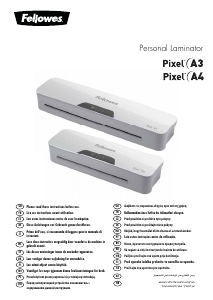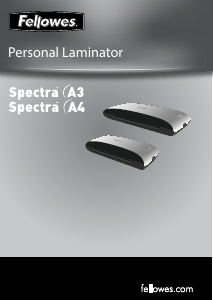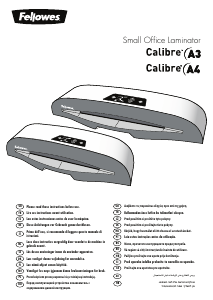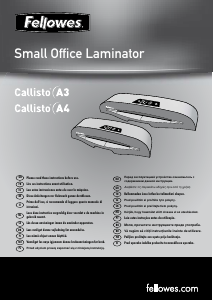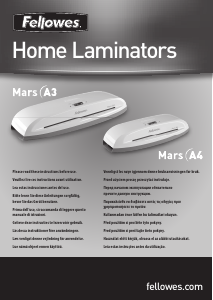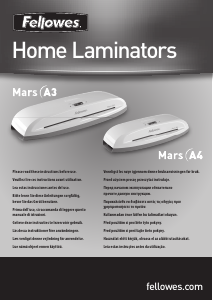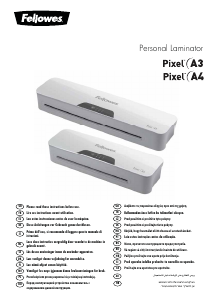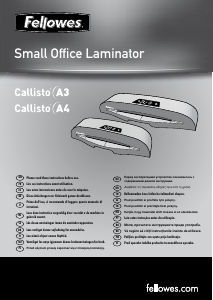
Руководство Fellowes Lunar A3 Ламинатор

Вам нужно руководство для вашего Fellowes Lunar A3 Ламинатор? Ниже вы можете бесплатно просмотреть и скачать PDF-инструкцию на русском языке. В настоящее время этот продукт имеет 0 часто задаваемых вопроса, 2 комментариев и имеет 2 голосов со средним рейтингом продукта 0/100. Если это не то руководство, которое вам нужно, свяжитесь с нами.

Ваше устройство неисправно, и в руководстве отсутствует решение? Перейдите в Repair Café для получения бесплатных ремонтных услуг.

Руководство

Loading…
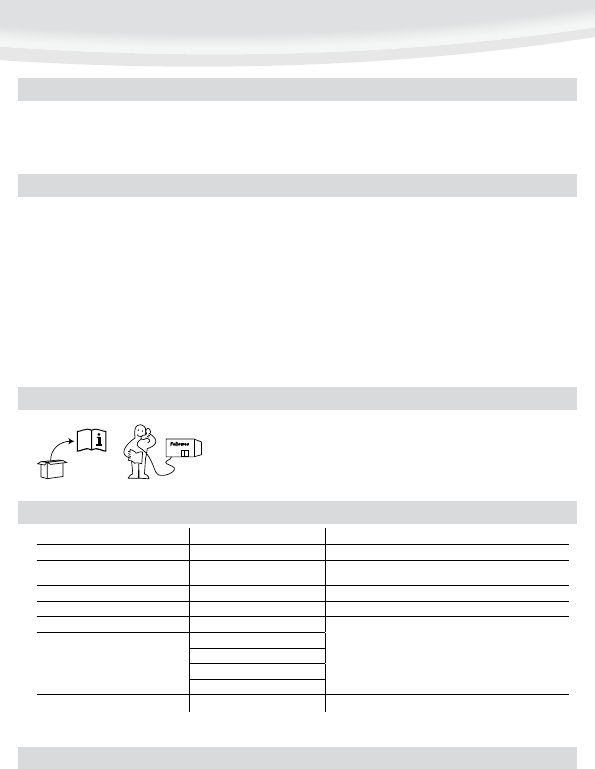
5
Let our experts help you with a solution.
Customer Service...
www.fellowes.com
Always call Fellowes before contacting your place of purchase, see the rear cover for contact details.
Consider registering your machine at www.fellowes.com/register to receive updates and additional information.
NEED HELP?
Switch the power on (located at the front of the machine).
The red ‘Power on’ lamp will light up. The machine is now heating up.
When the machine is ready, the green ‘Ready’ lamp will remain on.
Place the document into the open pouch. Ensure the document is centred
against the sealed edge. Use the appropriate pouch size for the document.
Ensure the pouch enters the machine sealed edge first. Keep the pouch straight
and central within the slot, not on an angle. Use the entry markings as a
guide.
Upon exit, the laminated pouch may be hot and soft. To prevent jamming
remove the pouch immediately. Place pouch on to a flat surface to cool. Take
care when handling a hot pouch.
To release a pouch during lamination, activate the release lever located on the
top of the machine. Gently pull pouch out of machine.
4.
5.
6.
7.
8.
9.
10.
Ensure the machine is on a stable surface.
Check there is enough clear space (min 50cm) behind the machine to allow
items to pass through freely.
Plug the machine into an easily accessible mains socket.
1.
2.
3.
SETTING UP THE LAMINATOR
HOW TO LAMINATE
Switch off the machine at the wall. Allow the machine to cool. The outside of the machine can be cleaned with a damp cloth. Do not use solvents or flammable materials to
polish the machine. Cleaning sheets can be purchased for use with the machine. When the machine is warm – run the sheets through the machine to clean any residue off the
rollers. For optimum performance, it is recommended that cleaning sheets are used with the machine regularly. (Cleaning sheet order codes #5320601)
Problem Possible cause Solution
No ‘power on’ lamp (red LED) Machine not switched on Switch on machine at front and at the wall socket
No ‘ready’ lamp after a long period (green
LED)
Machine is in a hot or humid area Move the machine to a cooler and dry area
Pouch does not completely seal the item Item may be too thick to laminate Check pass through thickness is correctly selected and pass through again
Pouch has waves or bubbles Temperature setting may be incorrect Check pouch thickness is correctly selected and pass through again
Pouch is lost in the machine Pouch is jammed
Select reverse button and pull out the item by hand
Jamming
Pouch was used ‘open end’ first
Pouch was not centred on entry
Pouch was not straight upon entry
Empty pouch was used
Pouch is damaged after lamination Damaged rollers or adhesive on rollers Pass cleaning sheets through the machine to test and clean rollers
TROUBLESHOOTING
STORAGE & CLEANING
Загрузить руководство на русском (PDF, 6.12 MB)
(Помните о необходимости охраны окружающей среды и распечатывайте настоящее руководство только в том случае, если это действительно необходимо)

Loading…

Рейтинг

Сообщите нам, что вы думаете о Fellowes Lunar A3 Ламинатор, оставив оценку продукта. Хотите поделиться вашими впечатлениями от данного изделия или задать вопрос? Вы можете оставить комментарий в нижней части страницы.
Вы довольны Fellowes Lunar A3 Ламинатор?
Да Нет
0%
100%
2 голоса

Присоединиться к беседе по данному изделию

Здесь вы можете поделиться тем, что думаете о Fellowes Lunar A3 Ламинатор. Если у вас есть вопросы, сначала внимательно прочтите инструкцию. Запросить руководство можно с помощью контактной формы.

[email protected] 08-06-2019
Fellowes лунный A3 Под переключателем включения / выключения находятся два числа 80 и 125, каково значение этих чисел.

ответить | Это было полезно (0) (Переведено Google)
bruno lucas 27-12-2019
этот ламинатор выглядит хорошо

ответить | Это было полезно (0) (Переведено Google)

Подробнее об этом руководстве

Мы понимаем, что приятно иметь бумажное руководство для вашего Fellowes Lunar A3 Ламинатор. Вы всегда можете скачать инструкцию с нашего сайта и распечатать самостоятельно. Если вы хотите получить оригинальное руководство, мы рекомендуем вам связаться с Fellowes. Возможно, они смогут предоставить оригинальное руководство. Вы ищете руководство для вашего Fellowes Lunar A3 Ламинатор на другом языке? Выберите предпочитаемый язык на нашей домашней странице и найдите номер модели, чтобы узнать, есть ли она у нас в наличии.

Технические характеристики

Бренд Fellowes
Модель Lunar A3
Категория Ламинаторы
Тип файла PDF
Размер файла 6.12 MB

Все инструкции для Fellowes Ламинаторы
Больше руководств Ламинаторы
Руководство Fellowes Lunar A3 Ламинатор

Сопутствующие товары

Связанные категории

×
Download